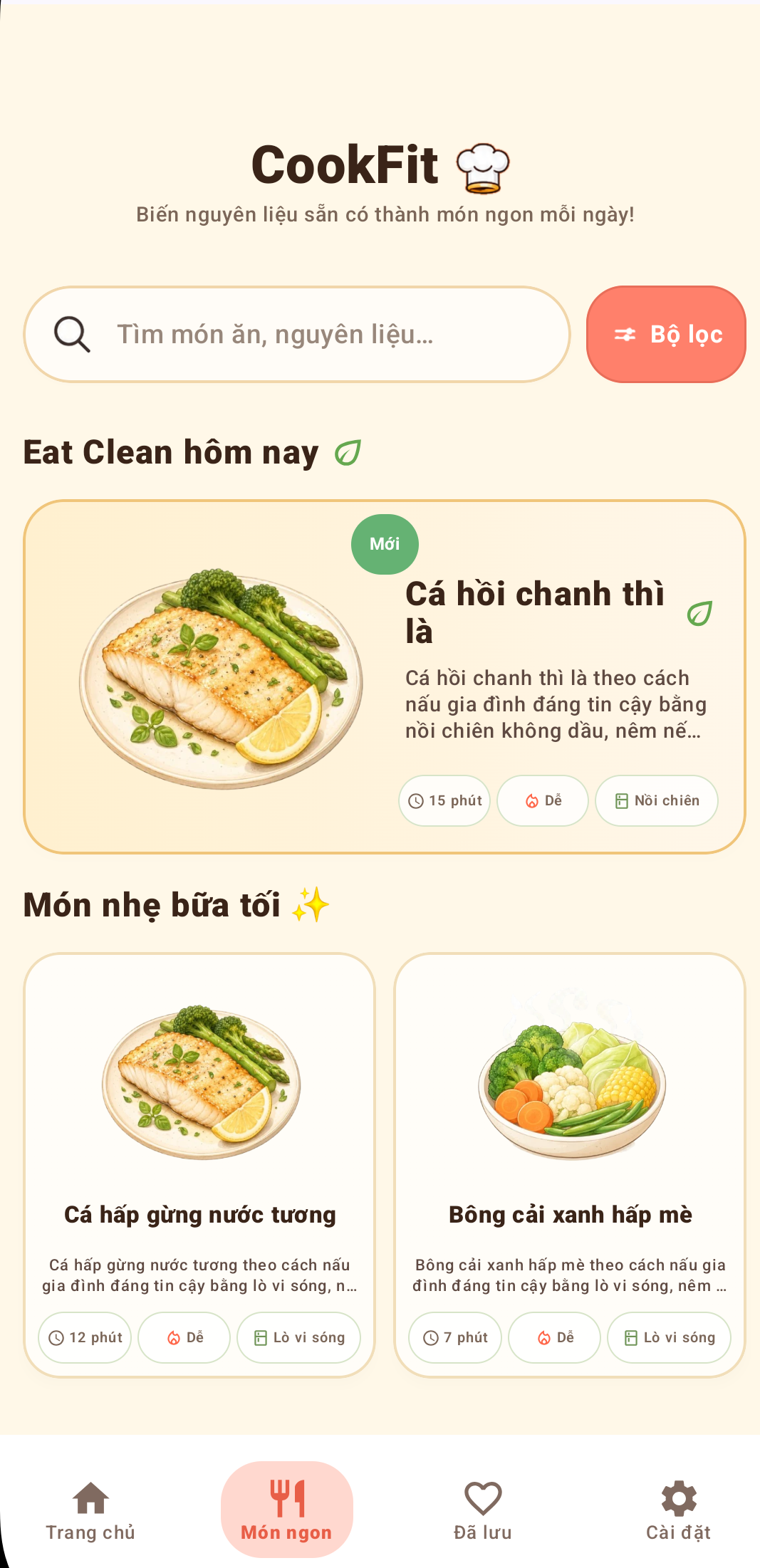

AI recipe ideas from ingredients you have
Not sure what to cook? Enter ingredients or take a fridge photo to explore CookFit recipe ideas and cooking steps tailored to your kitchen equipment.
How do you find recipes from available ingredients?
- Enter ingredient names or take a photo to identify ingredients.
- Select the cooking equipment available to you.
- Review recipe ideas and read every step before cooking.
AI-assisted suggestions may need adjustments for serving size, allergies and the actual condition of your ingredients.
Frequently asked questions
Can CookFit suggest recipes from ingredients I already have?
Yes. Enter ingredients manually or use a photo as the starting point for recipe ideas.
Can I select my cooking equipment?
Yes. CookFit supports options such as an air fryer, oven, stovetop or microwave.
Do AI recipes replace food-safety guidance?
No. Check allergens, safe cooking temperatures and food storage before eating.
Guide to finding recipes from ingredients
Learn how to check ingredients, choose cooking equipment and review a recipe suggestion before you begin.
Recipe ideas from ingredients you have →Key features
- Identify ingredients from a picture or enter them manually.
- Choose an oven, air fryer, stovetop or microwave.
- Explore step-by-step AI-assisted recipe ideas.
- Save your favourite dishes on your device.
- Supports Vietnamese and English interfaces.
Screenshots